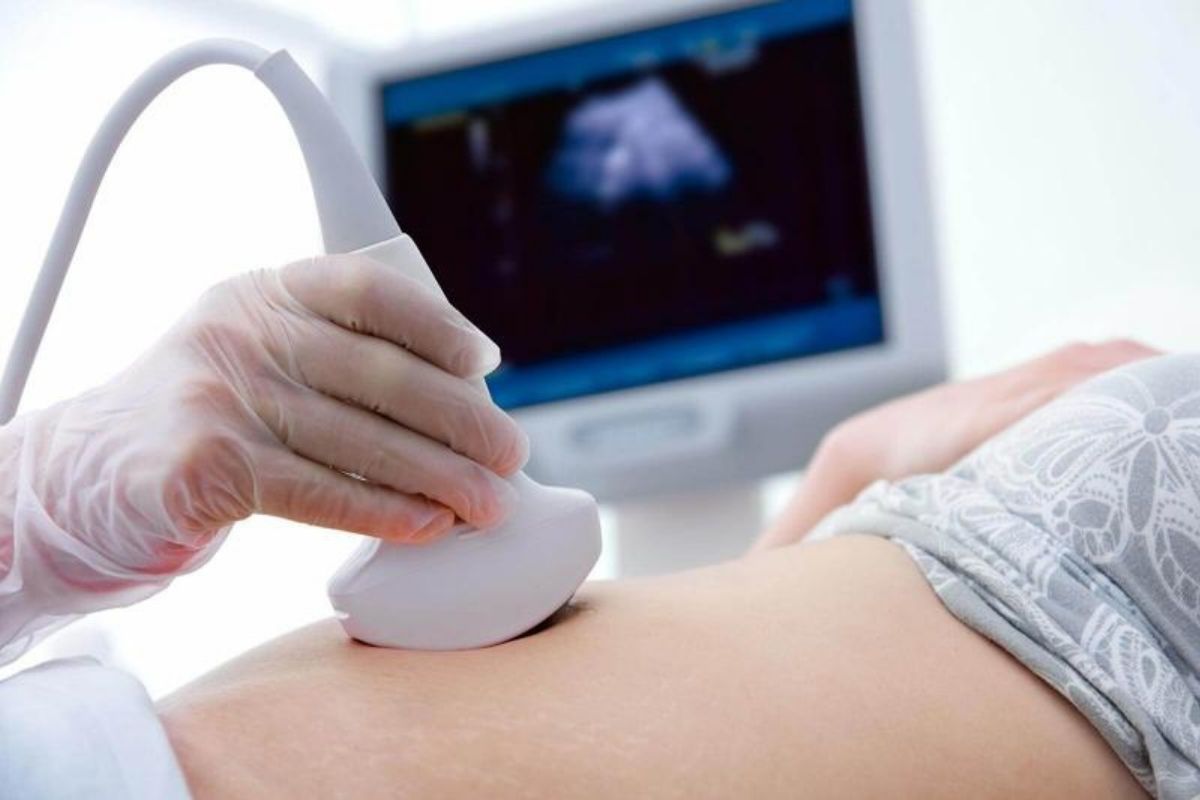
4D ultrasound is an advanced prenatal imaging technology that provides a real-time, three-dimensional view of the developing baby inside the mother’s womb, where the fourth dimension represents live movement over time. Unlike conventional 2D ultrasound, which produces flat black-and-white images, or 3D ultrasound, which offers still images with depth, 4D ultrasound allows parents and healthcare professionals to observe the baby’s natural movements as they happen. These may include facial expressions such as smiling, yawning, blinking, or frowning, as well as body movements like stretching, kicking, sucking a thumb, or grasping with tiny hands. This technology is most commonly performed between 24 and 32 weeks of pregnancy, a period when the baby has developed enough facial fat and muscle tone to create clearer and more detailed images, while still having enough space in the womb to move freely. From a medical perspective, 4D ultrasound can help doctors observe fetal behavior, movements, and certain external structures, which may support the evaluation of facial abnormalities or developmental concerns when clinically indicated. From an emotional and bonding standpoint, it offers parents a unique and memorable experience by allowing them to see their baby’s features and personality before birth, often strengthening emotional attachment and reassurance. The procedure uses the same sound-wave technology as standard ultrasound and is generally considered safe when performed responsibly by trained professionals, following recommended guidelines and avoiding unnecessary prolonged exposure. Overall, 4D ultrasound combines medical insight with an enhanced visual experience, making it a valuable tool for both clinical observation and parental connection during pregnancy.
List Of Options
1
Real-time viewing of the baby’s movements, facial expressions, and body activity during the scan.
2
Observation of hands, fingers, legs, feet, spine, and overall body movements.
3
High-quality still images captured from the 4D scan.
4
Short video clips showing baby movements in real time.
5
Soft copies of photos and videos provided via USB drive or online link.
6
Longer session to allow the baby to change position for clearer images.
ServiceFAQ
What is a 4D ultrasound
A 4D ultrasound is an advanced prenatal scan that shows live, moving three-dimensional images of the baby in the womb.
When is the best time to do a 4D ultrasound?
The ideal time is usually between 24 and 32 weeks of pregnancy. During this period, the baby’s facial features are well developed, and movements are more clearly visible.
Is 4D ultrasound safe for the baby and mother?
Yes, when performed by trained professionals and used responsibly, 4D ultrasound is considered safe. It uses the same sound-wave technology as standard ultrasound scans.
What can I see during a 4D ultrasound scan?
You may see your baby smiling, yawning, blinking, stretching, sucking a thumb, or moving hands and feet. Facial features such as the nose, lips, and cheeks are often clearly visible.
Does 4D ultrasound replace routine medical scans?
No. A 4D ultrasound does not replace routine medical or anomaly scans. It is usually an additional scan used for enhanced viewing and bonding, and sometimes to observe movements or external features if advised by a doctor.
What if my baby’s face is not visible during the scan?
Baby position can affect image clarity. If the face is turned away, the sonographer may ask you to change position, walk briefly, or drink water. Some clinics also offer a repeat scan option.
How long does a 4D ultrasound session take?
A typical session lasts between 20 and 40 minutes, depending on the package selected and the baby’s position.